

[Placeholder]
A section showcasing various form types with brief descriptions to illustrate the range of services offered.
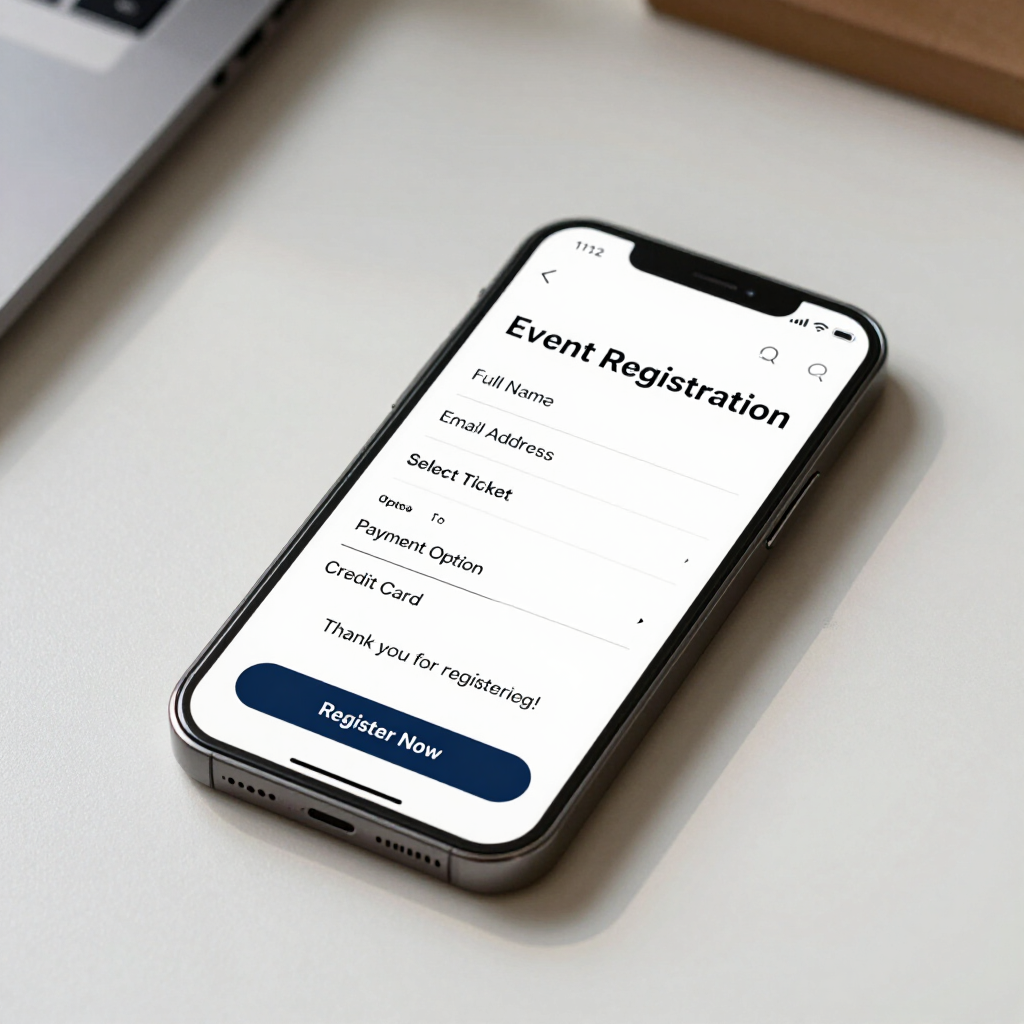
Registration Forms
For events, programs, memberships, conferences and organizations.
Application Forms
For employment, scholarships, programs, services and other applications.
Conditional Questions
Show different questions depending on someone's previous answers to create a tailored form experience.
Learn More
Payments
Collect payments securely as part of registrations, bookings, applications, or orders without redirecting users.
Learn More
Automatic Emails
Send confirmations, instructions, notifications, and follow-ups automatically to keep users informed.
Learn More
Calculations & Pricing
Automatically calculate totals, fees, quantities, and other values to streamline pricing and billing.
Learn More
[Placeholder]
Visualize the workflow process showing how forms integrate into organized digital workflows.
[Placeholder]
Getting Your Form Is Simple.

01 — Tell Us What You Need
Describe the form you need and how you currently handle the process. You can even send us an existing paper form, PDF, spreadsheet or example.
[Placeholder]

02 — We Build It
We design the form, logic, branding, emails and workflow around your requirements.
[Placeholder]

03 — Review & Test
We'll provide the form for you to review and test before it goes live.
[Placeholder]

04 — Launch
Once approved, your form is ready to share using a professional link, QR code or through your existing website.
[Placeholder]

Still Using Paper, PDFs or Email to Collect Information?
Tell us how your current process works and we'll help you turn it into a professional online form.